
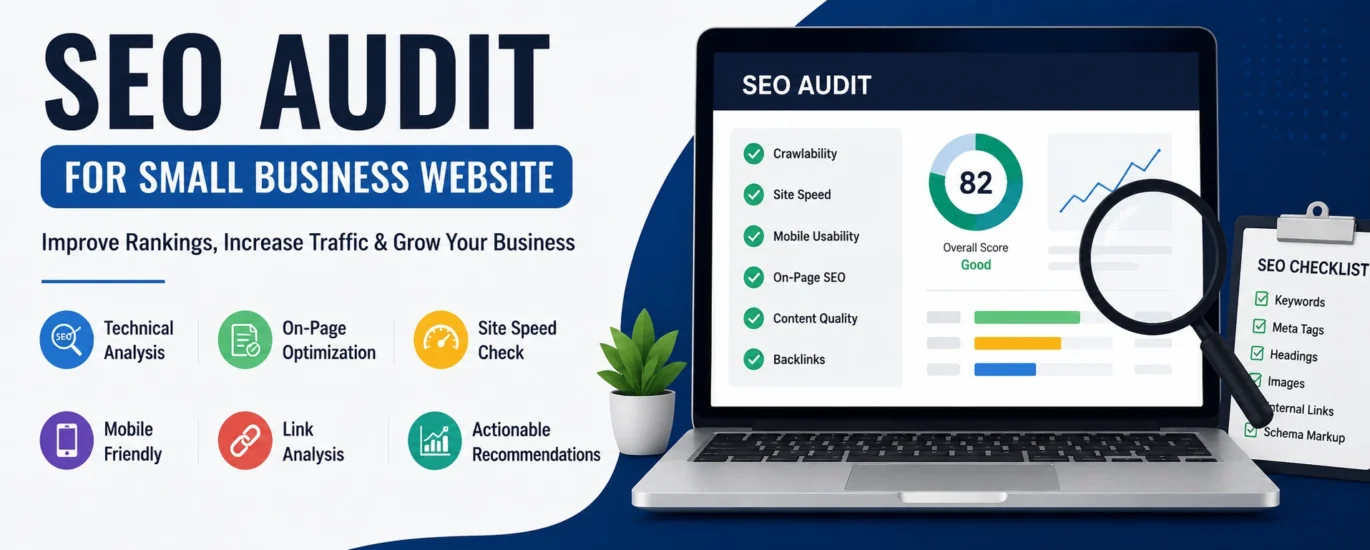
SEO Audit for Small Business Website
If your website isn’t attracting enough visitors or generating quality leads, it’s time to perform an SEO audit for small business website. An SEO audit helps identify technical issues, content gaps, and optimization opportunities that may be preventing your website from ranking higher on Google. Whether you’re running a local business, an online store, or a service-based company, a regular SEO audit ensures your website stays competitive in search results.
A professional SEO audit is much more than checking a few keywords. It involves analyzing your website’s technical performance, content quality, user experience, backlinks, mobile responsiveness, page speed, and much more. By fixing these issues, you can improve search visibility, increase organic traffic, and provide a better experience for your visitors.
Why Every SEO Audit for Small Business Website
Small businesses often compete against larger companies with bigger marketing budgets. Fortunately, SEO creates opportunities for businesses of any size to attract targeted traffic through organic search.
An SEO audit helps you:
- Discover technical SEO issues
- Improve Google rankings
- Increase organic website traffic
- Find broken links and crawl errors
- Optimize website speed
- Improve user experience
- Generate more qualified leads
- Increase conversion rates
Instead of guessing what is wrong with your website, an SEO audit provides clear insights into what needs improvement.
What Is an SEO Audit?
An SEO audit is a complete evaluation of your website’s search engine optimization performance. It identifies problems that prevent your website from achieving better rankings and provides recommendations to improve visibility.
A comprehensive audit covers:
- Technical SEO
- On-page SEO
- Content quality
- Keyword optimization
- Mobile usability
- Website speed
- Internal linking
- Backlink profile
- Local SEO
- User experience
Step 1: Check Website Indexing
The first step is ensuring Google can find and index your pages.
Things to verify include:
- Important pages are indexed
- No unnecessary pages are indexed
- Robots.txt isn’t blocking valuable content
- XML sitemap is available and submitted
- No duplicate indexed pages
Outbound Resource: Google Search Console
Learn more about our SEO Service Florida
Step 2: Analyze Website Speed
Website speed directly impacts user experience and search rankings.
Review:
- Largest Contentful Paint (LCP)
- Interaction to Next Paint (INP)
- Cumulative Layout Shift (CLS)
- Image optimization
- Browser caching
- CSS and JavaScript optimization
Fast websites keep visitors engaged and reduce bounce rates.
Outbound Resource: PageSpeed Insights
Step 3: Review Mobile Friendliness
More than half of all website traffic comes from mobile devices. Your website should:
- Display correctly on all screen sizes
- Have readable fonts
- Feature easy navigation
- Include clickable buttons
- Load quickly on mobile networks
A mobile-friendly website improves both user experience and Google rankings.
Explore our Web Development Services.
Step 4: Optimize On-Page SEO
Every important page should include:
- Unique SEO title
- Compelling meta description
- One H1 heading
- Proper H2 and H3 structure
- Optimized images with descriptive ALT text
- Keyword naturally placed throughout the content
- Clear and descriptive URLs
Avoid keyword stuffing. Focus on writing naturally while covering the topic comprehensively.
Step 5: Evaluate Content Quality
High-quality content remains one of Google’s strongest ranking signals.
Ask these questions:
- Does the content answer user intent?
- Is it original?
- Is it easy to read?
- Is the information up to date?
- Does it include helpful examples?
- Are headings structured properly?
- Does it provide value beyond competitors?
Updating older blog posts often delivers faster SEO improvements than creating new content.
Internal Link Suggestion:
Read our guide on Content Marketing Services for more optimization strategies.
Step 6: Perform Keyword Optimization
A successful SEO audit should evaluate whether your target keywords are used naturally throughout the website. Every page should focus on one primary keyword while supporting it with related keywords that match search intent.
When reviewing a page, check whether the primary keyword appears in:
- SEO Title
- Meta Description
- URL Slug
- H1 Heading
- Introduction
- At least one H2 heading
- Image ALT text
- Conclusion
Avoid overusing keywords. Instead, write naturally and include semantic phrases that help search engines understand your content.
Learn how our SEO Consulting Services help businesses build keyword strategies that drive long-term growth.
Step 7: Review Internal Linking Structure
Internal links help search engines understand your website architecture while guiding visitors to relevant content.
A good internal linking strategy should:
- Connect related blog posts
- Link service pages together where relevant
- Use descriptive anchor text
- Avoid orphan pages
- Help users navigate naturally
For example, if you’re reading about website audits, it makes sense to link to articles covering technical SEO, content optimization, or local SEO.
Suggested Internal Links:
- Technical SEO Services
- Local SEO Services
- Web Development Services
- Google Business Profile Optimization Service
- Digital Marketing Services
Step 8: Check External Links
Outbound links improve content credibility when they point to trusted and relevant resources.
Consider linking to authoritative websites such as:
- Google Search Central
- Google Search Console
- Google PageSpeed Insights
- Google Analytics
- Schema.org
Only include external links that genuinely add value for readers.
Step 9: Audit Image SEO
Images play an important role in user experience and search visibility.
During your SEO audit, verify that every image includes:
- Descriptive file names
- Keyword-rich ALT text (where appropriate)
- WebP format when possible
- Proper compression
- Responsive sizing
- Lazy loading enabled
Optimized images improve loading speed and can generate additional traffic from Google Images.
Step 10: Analyze Technical SEO
Technical SEO ensures search engines can crawl and index your website efficiently.
Review the following:
- XML Sitemap
- Robots.txt
- HTTPS Security
- Canonical URLs
- Crawl Errors
- Redirect Chains
- Broken Links
- Duplicate Content
- Structured Data (Schema)
- Core Web Vitals
Even small technical issues can affect rankings if left unresolved.
Step 11: Review Local SEO
If your business serves customers in a specific city or region, local SEO should be part of every website audit.
Check whether you have:
- An optimized Google Business Profile
- Consistent business name, address, and phone number (NAP)
- Local keywords
- Customer reviews
- Location pages (if applicable)
- Local business schema
- Google Maps integration
These improvements increase your visibility in local search results and Google Maps.
Step 12: Evaluate User Experience (UX)
Google rewards websites that provide a positive experience for visitors.
Review factors such as:
- Easy navigation
- Clear call-to-action buttons
- Readable typography
- Mobile responsiveness
- Fast loading speed
- Accessible design
- Logical page structure
A better user experience often leads to longer sessions, lower bounce rates, and improved conversions.
Common SEO Mistakes Small Businesses Make
Many small business websites lose valuable traffic because of avoidable SEO mistakes, including:
- Missing meta titles and descriptions
- Slow page speed
- Duplicate content
- Thin or outdated pages
- Broken internal links
- Missing image ALT text
- Poor keyword targeting
- No structured data
- Ignoring mobile optimization
- Not updating older content
Regular audits help identify these issues before they affect your rankings.
SEO Audit Checklist
Before finishing your audit, make sure you’ve reviewed:
✔ Website indexing
✔ XML sitemap
✔ Robots.txt
✔ Page speed
✔ Core Web Vitals
✔ Mobile usability
✔ SEO titles and meta descriptions
✔ Heading structure
✔ Keyword optimization
✔ Internal links
✔ External links
✔ Image SEO
✔ Broken links
✔ Schema markup
✔ Local SEO signals
✔ Content quality
✔ Security (HTTPS)
Frequently Asked Questions
How often should a small business perform an SEO audit?
A complete SEO audit is recommended every 3–6 months. High-traffic websites may benefit from monthly technical checks.
Can I perform an SEO audit myself?
Yes. Free tools like Google Search Console and PageSpeed Insights can help you identify many issues. However, a professional audit often uncovers deeper technical and strategic opportunities.
Does an SEO audit improve rankings?
An audit itself doesn’t improve rankings, but fixing the issues it reveals can lead to better visibility, more organic traffic, and improved user experience over time.
What is the most important part of an SEO audit?
There isn’t a single most important part. Technical SEO, content quality, on-page optimization, internal linking, and user experience all work together to improve search performance.
Conclusion
Performing an SEO audit for small business website is one of the most effective ways to uncover opportunities for growth. From technical SEO and keyword optimization to content quality and local search visibility, every improvement contributes to stronger search rankings and a better experience for your visitors.
Instead of waiting for traffic to decline, make SEO audits a regular part of your digital marketing strategy. Consistent monitoring, timely updates, and ongoing optimization help your website remain competitive, attract qualified leads, and support long-term business growth.
If you’re looking for expert guidance, Brandzlee can help you identify SEO issues, implement effective solutions, and build a sustainable strategy that delivers measurable results.


